
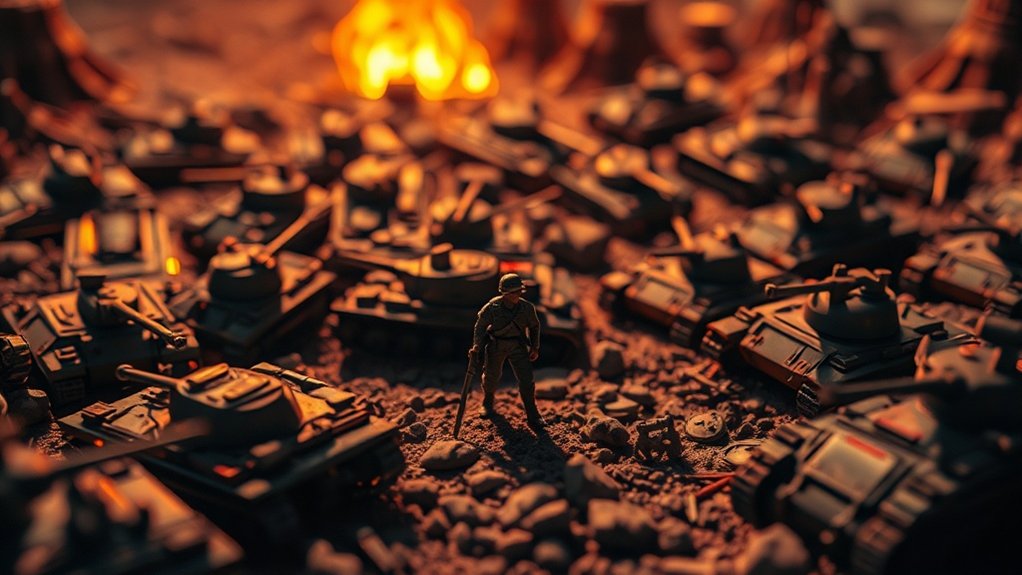
Achieve cinematic colors in toy photography easily by using LUTs for grading. These Look-Up Tables enhance your photos, providing a transformative cinematic look. Choose LUTs based on your desired mood and theme, experimenting with different options to find your unique style. Apply them to subtly enhance your image’s shadows, highlights, and colors, ensuring a cohesive visual narrative. With essential tools and optimized workflows, you’ll enhance your storytelling and discover more exciting techniques to elevate your photography.
Understanding LUTs and Their Role in Photography

How do LUTs transform your photography? Think of LUTs, or Look-Up Tables, as a magical tool that instantly enhances your photos. They’re like filters on steroids, giving your toy photography that cinematic look you’ve been dreaming of. By applying a LUT, you’re mapping the colors of your image to new values, altering the mood and tone dramatically. You’ll find your photos can shift from ordinary to extraordinary with just a few clicks. They’re essential for achieving consistent color grading across a series of images, ensuring your work looks cohesive and polished. You’ll love how LUTs simplify your editing process, saving time while elevating the artistic quality of your shots. Immerse yourself, and watch your toy scenes come to life!
Selecting the Right LUTs for Toy Photography
When it comes to selecting the right LUTs for toy photography, where should you start? First, consider the mood you want to convey. Are you aiming for a vibrant, playful look or a dramatic, moody atmosphere? Look for LUTs specifically designed to enhance colors and contrast in toy photography. These often bring out the details in miniature figures, making them pop against their backgrounds.
Next, explore LUTs that match the theme of your shoot. For instance, if you’re photographing action figures like superheroes, try LUTs that highlight bold colors and sharp contrasts. For softer, whimsical toys, go for LUTs with pastel tones and gentle highlights.
Experiment with a few options to find what best complements your style and enhances your toy photography vision.
Applying LUTs to Create Cinematic Effects
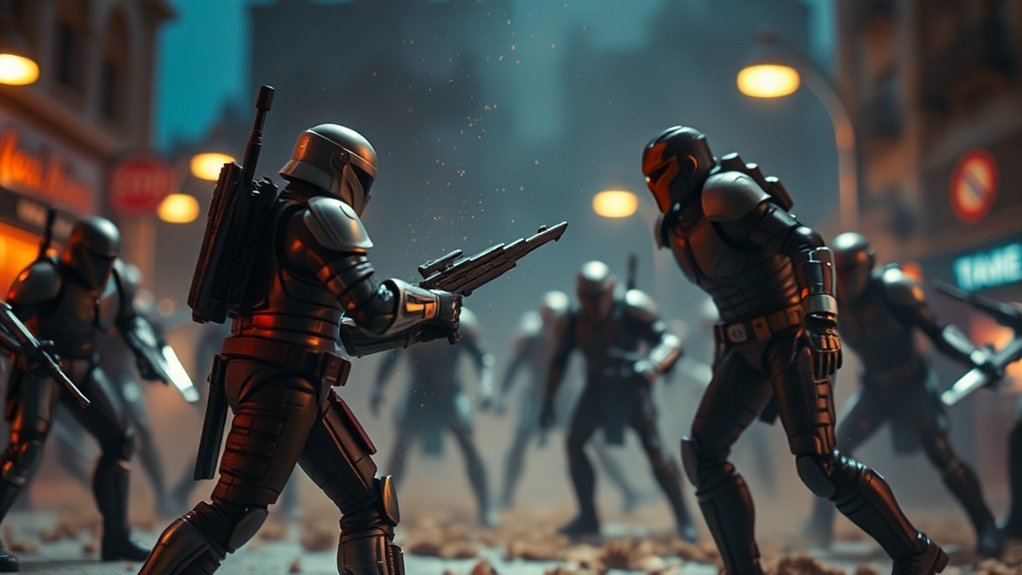
When applying LUTs to your toy photography, you’re not just adjusting colors—you’re enhancing your visual storytelling. Choose the right LUTs to bring out specific moods and tones that make your scenes more cinematic. By skillfully applying these LUTs, you’ll transform simple toy shots into vibrant narratives.
Choosing the Right LUTs
Ever wondered how to transform your toy photography into cinematic masterpieces? The secret lies in choosing the right LUTs (Look-Up Tables). Start by identifying the mood you want to convey. Do you want a warm, nostalgic feel or a cold, dystopian vibe? Each LUT carries its own color palette and atmosphere, so match it to your vision.
Explore different LUTs by testing a few on sample images. Observe how each one alters tones and contrasts. It’s essential to guarantee the LUT complements your subject and setting. Don’t be afraid to experiment; sometimes, unexpected combinations yield stunning results. Keep in mind that subtlety is key. A well-chosen LUT should enhance, not overpower, your photo’s narrative. Happy grading!
Enhancing Visual Storytelling
Now that you’ve chosen the perfect LUTs, it’s time to elevate your toy photography by enhancing visual storytelling. Applying these LUTs transforms your images, creating a cinematic atmosphere that captivates viewers. Focus on the mood you want to convey. Do you want a dramatic scene or a whimsical feel? Adjust the LUTs to enhance shadows, highlights, and colors, aligning them with your story’s theme.
Experiment with different settings. A warm LUT might evoke nostalgia, while a cooler one could suggest mystery. Pay attention to color contrast and saturation; they can drastically change your scene’s impact. Don’t forget to keep your narrative consistent. Your toy photos should flow seamlessly, guiding the viewer through an engaging visual journey.
Balancing Colors and Contrast With LUTS
When you balance colors and contrast with LUTs in toy photography, you enhance your visual storytelling by creating a more immersive experience. It helps you achieve a consistent aesthetic that ties your series together, making each photo feel like part of a cohesive narrative. By adjusting highlights and shadows, you can add depth and dimension, bringing your toy scenes to life with cinematic flair.
Enhancing Visual Storytelling
While every photographer aims to convey a compelling narrative through their images, balancing colors and contrast is essential in enhancing visual storytelling, especially in toy photography. You’re capturing the essence of miniature worlds, so colors and contrast play an important role in setting the mood and tone. Using LUTs (Look-Up Tables) allows you to fine-tune these elements, transforming your images into vibrant stories. By adjusting hues and shadows, you can highlight key elements and create depth, drawing viewers into the scene. It’s about guiding their eyes and emotions, making them feel a connection to the story you’re telling. With LUTs, you have the tools to enhance drama, excitement, or serenity, letting your toy photography speak volumes.
Achieving Consistent Aesthetics
To achieve consistent aesthetics in toy photography, balancing colors and contrast is essential, and LUTs can be your best ally in this process. With LUTs, you streamline your editing, guaranteeing that every shot harmonizes with your creative vision. Start by selecting a LUT that matches your desired mood, whether it’s vibrant and dynamic or subtle and moody. Apply it uniformly across your images to maintain a coherent style.
Adjust the intensity of the LUT to your liking, making sure it complements your subject without overpowering it. This approach helps you manage color tones and guarantees each toy photo resonates with a unified look. By consistently applying LUTs, you create a signature style, making your toy photography instantly recognizable and professionally polished.
Adjusting Highlights and Shadows
Building upon the use of LUTs for a cohesive look, adjusting highlights and shadows takes your toy photography to the next level. You’ve got the cinematic feel down, but balancing colors and contrast guarantees your subjects pop. Start by identifying areas in your photos where highlights might be too bright or shadows too dark. Use your editing software to fine-tune these, making certain you retain detail without losing the mood. Adjust highlights to draw attention to key features, while making sure shadows add depth without becoming murky. LUTs can guide you, but your eye is key. Trust your instinct to know when skin tones look natural or when colors feel just right. Experiment, because that’s where your unique style emerges.
Enhancing Mood and Atmosphere in Your Shots
Capturing the right mood and atmosphere in toy photography can transform a simple shot into an enthralling story. Begin by considering the emotions you want to convey. Do you wish to evoke nostalgia, excitement, or perhaps a sense of adventure? Once you’ve pinpointed the desired mood, use lighting to your advantage. Soft, diffused light can create a serene setting, while harsh, directional light might add drama.
Next, experiment with color grading. Cool tones can bring a calm, mysterious vibe, whereas warm hues might inject energy and warmth. Don’t shy away from incorporating props or backgrounds that complement your theme. By thoughtfully combining these elements, you can craft an engaging atmosphere that captivates viewers and enhances the narrative of your miniature world.
Essential Tools and Software for LUT Grading
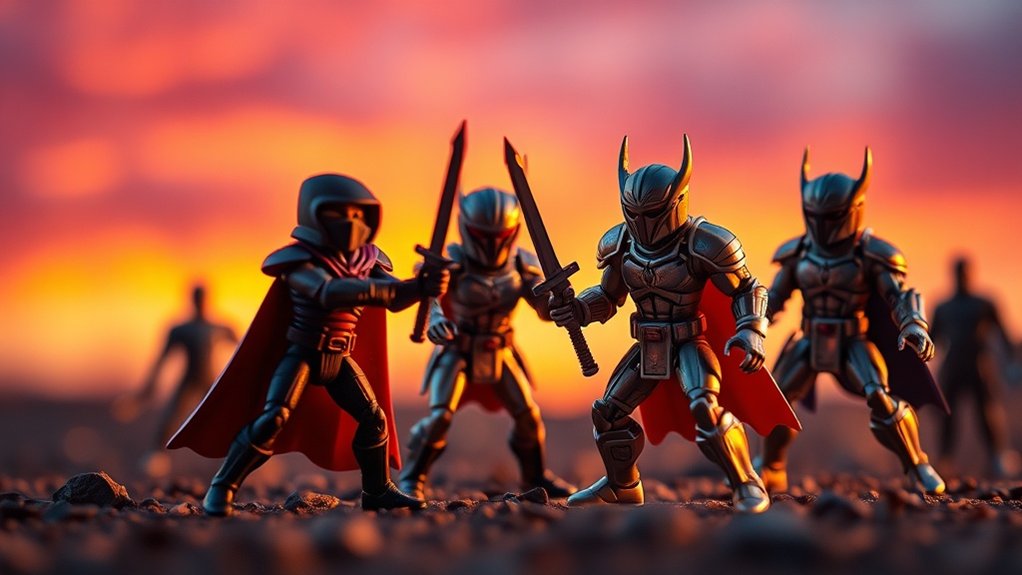
Many photographers rely on essential tools and software for LUT grading to elevate their toy photography. By using these tools, you can transform your images with cinematic colors that captivate your audience. Start by exploring software options that support LUTs. Adobe Photoshop and Lightroom are popular choices, offering robust features for applying and tweaking LUTs. For beginners or those on a budget, Davinci Resolve provides a free version with professional-grade grading capabilities.
Besides software, consider investing in:
- Color Calibration Tools: Verify your monitor displays accurate colors for consistent results.
- LUT Libraries: Access a variety of pre-made LUTs to experiment with different looks.
- Training Resources: Enhance your skills by following tutorials and joining online communities.
These tools streamline your workflow, letting you focus on creativity.
Frequently Asked Questions
How Do Toy Photographers Source Inspiration for Cinematic Color Grading?
You find inspiration for cinematic color grading by watching movies, analyzing film stills, and exploring art. Don’t forget to experiment with different palettes and consider nature’s colors. Engage with online communities to see how others approach grading.
What Are the Benefits of Using Custom LUTS for Toy Photography?
Imagine giving life to tiny worlds. Custom LUTs let you paint your vision, enhancing mood and depth. They offer consistency and creative freedom, transforming your photos into evocative stories, much like a director shapes a film’s narrative.
Can LUTS Be Used to Achieve Vintage Cinematic Looks in Toy Photography?
You can definitely use LUTs to achieve vintage cinematic looks in your photography. By applying specific LUTs, you’ll enhance colors and tones, giving your images an authentic retro vibe that captures the essence of classic cinema.
Are There Any Free Resources for Learning Advanced LUT Grading Techniques?
Did you know that 67% of online learners prefer free resources? You can explore platforms like YouTube and Coursera for advanced LUT grading techniques. They offer extensive tutorials and communities to help you elevate your skills.
How Can Beginners Avoid Common Mistakes When Using LUTS in Toy Photography?
You can avoid common LUT mistakes by understanding your camera’s profile, previewing LUTs before applying, and keeping adjustments subtle. Don’t rush; experiment with different looks to find what enhances your images without overpowering them.
At a Glance
By using LUTs in your toy photography, you’ll reveal a world of cinematic possibilities, transforming simple shots into vibrant scenes. You might worry that LUTs are too technical, but with the right tools and a bit of practice, you’ll master the art of color grading. Imagine the joy of capturing the perfect mood and atmosphere in every photo. Immerse yourself and elevate your creativity—your imagination is the only limit!



